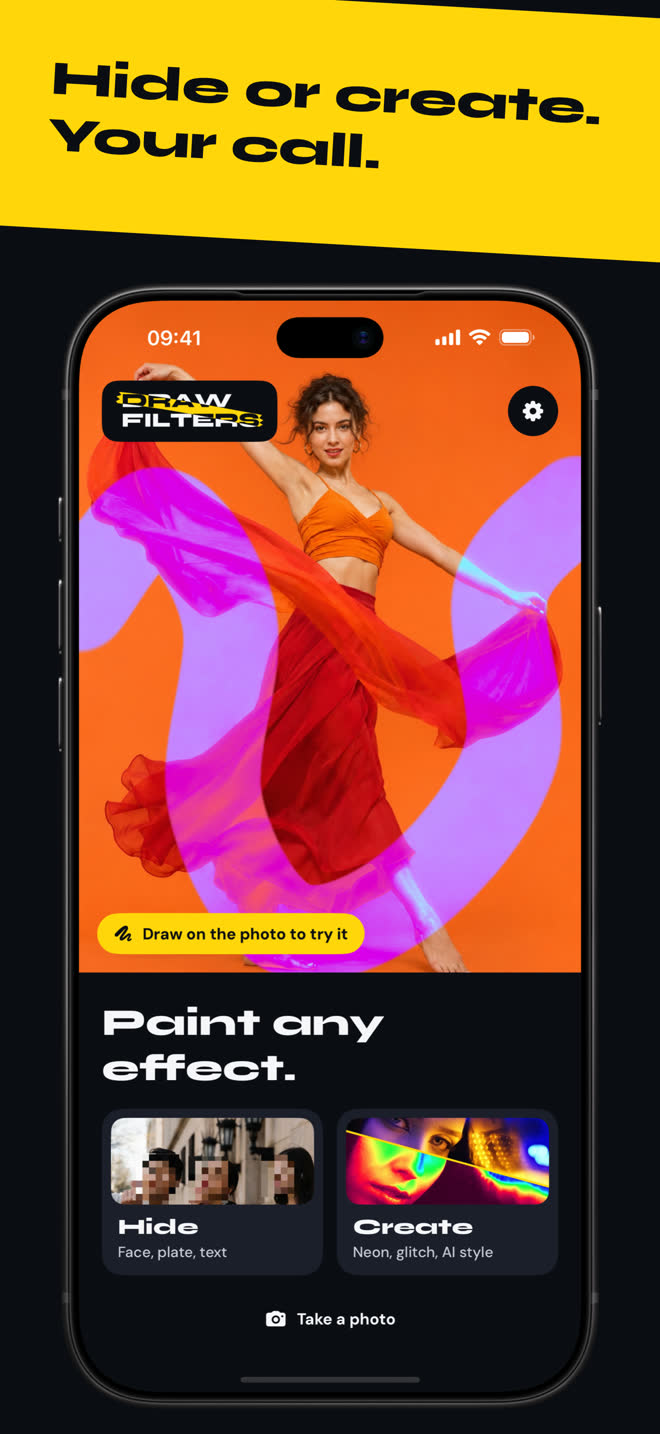
Paint any effect.
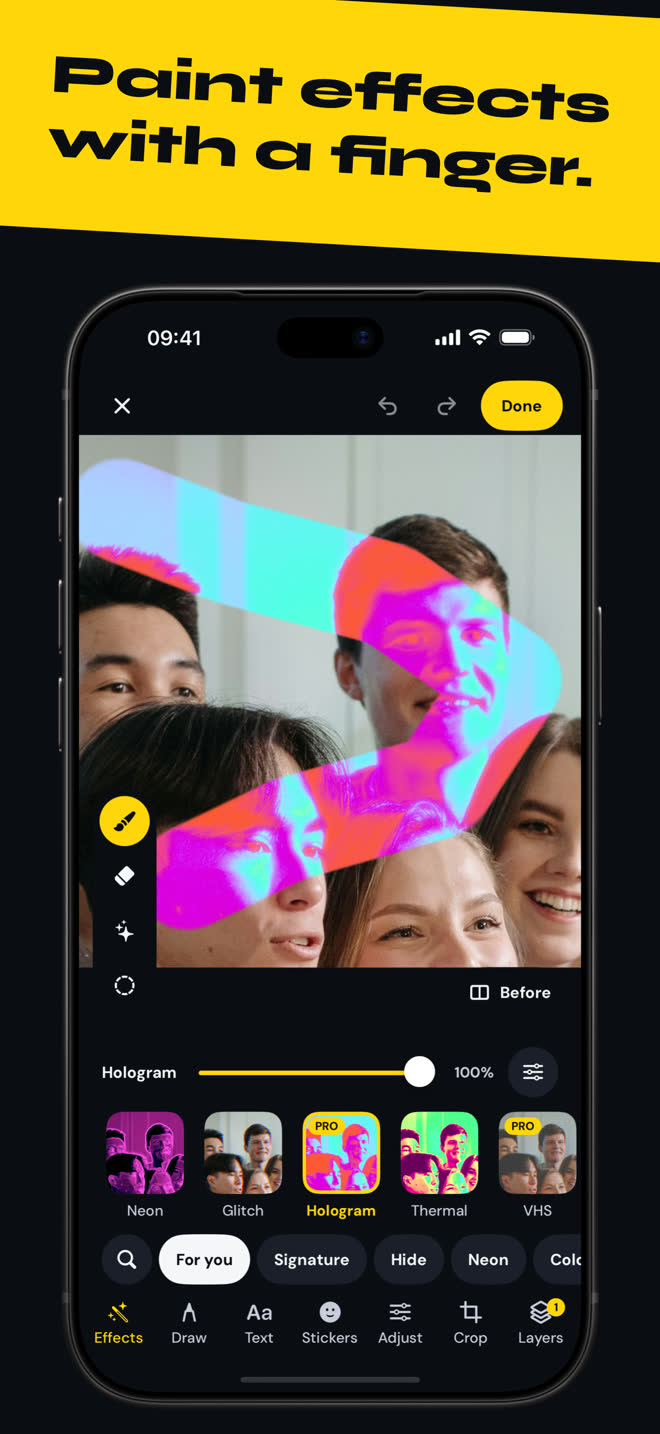
One finger, and the effect shows up exactly where you draw. Blur a face, turn the sky neon, then share a video of your brushstroke.
Download on the App Store
Hide.
Face, text, plate with the brush
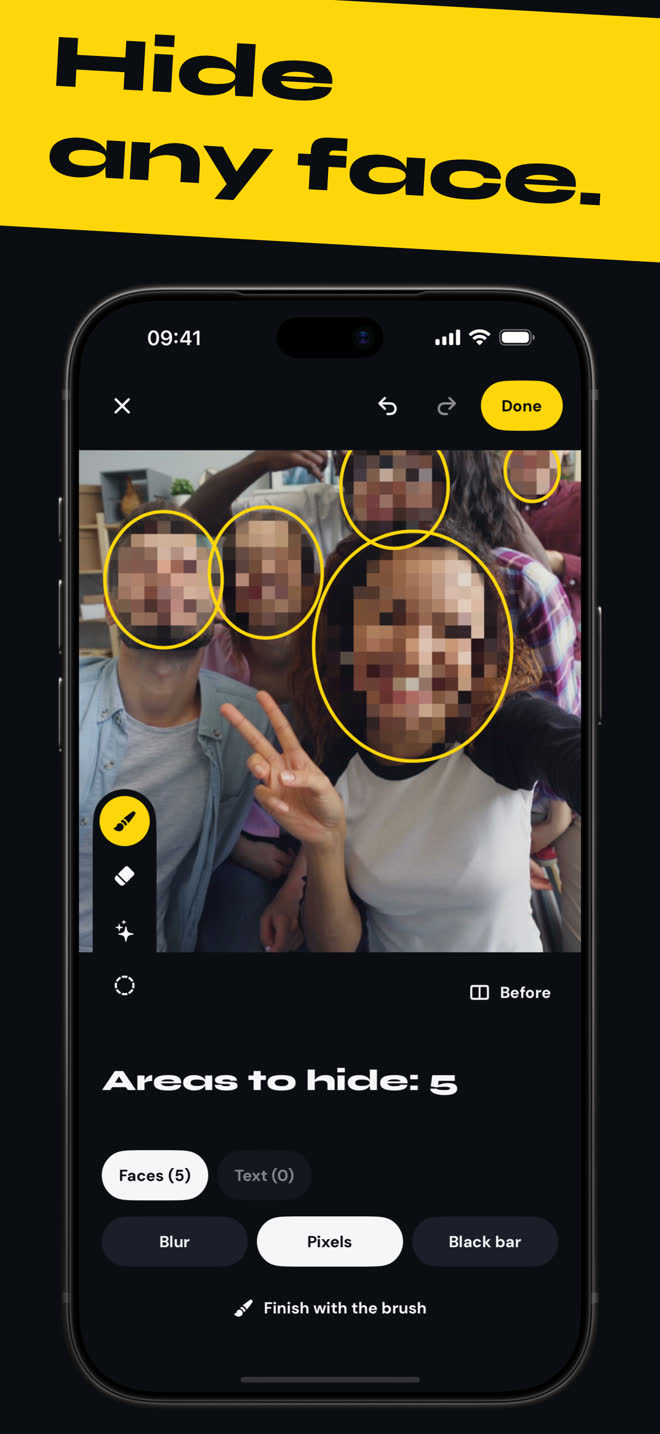
Cover what shouldn't show before you post.
Draw Filters finds the faces and text in your photo on its own. Tap an area to keep it or drop it. Pick blur, pixels or a black bar. Use the brush for anything it missed, like a plate.
Create.
Neon, glitch, AI style
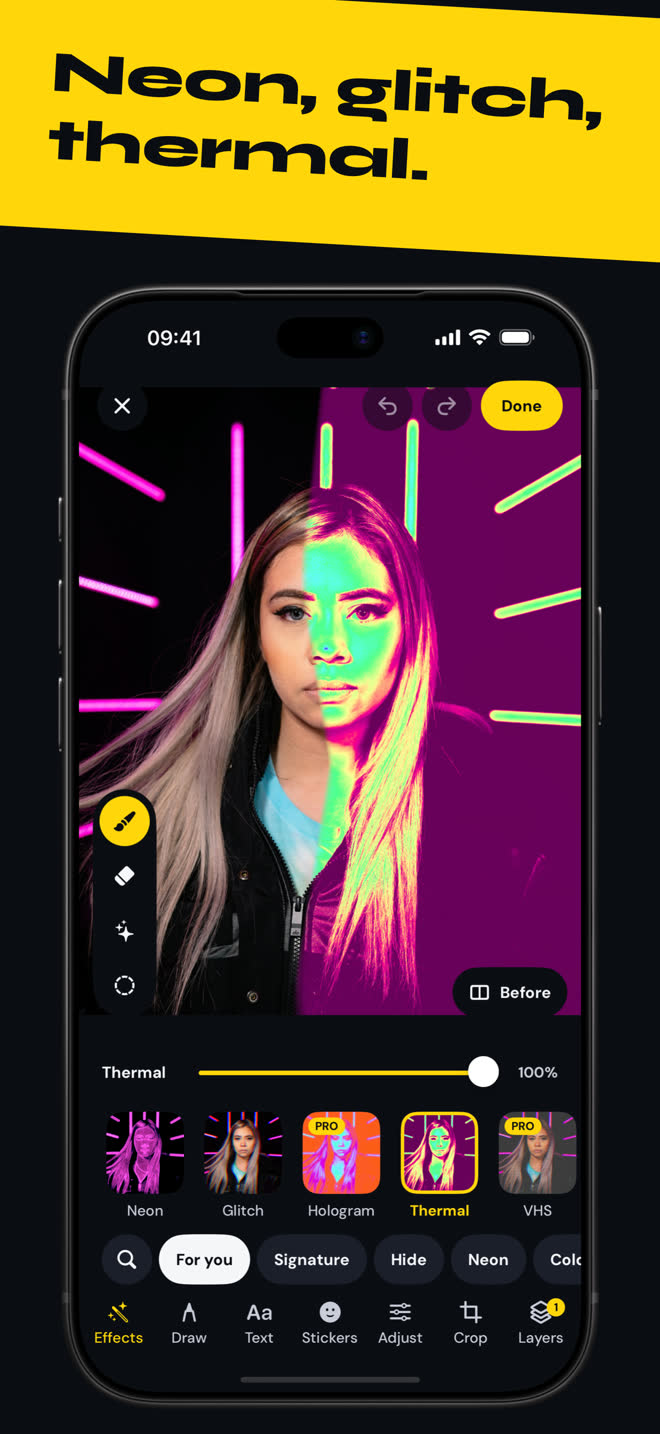
Over 100 effects to paint exactly where you want them.
AI styles: Starry night, Brushwork, Mosaic. Smart selection isolates the subject or the background. Stack effects as layers and fine-tune each one.
Neon, glitch, thermal. Your move.
Neon Glitch Thermal Hologram VHS Liquid metal Comic Pixels
Also in the editor Text styles, stickers, pens, crop, brightness, contrast, saturation, warmth, sharpness, vignette, grain.
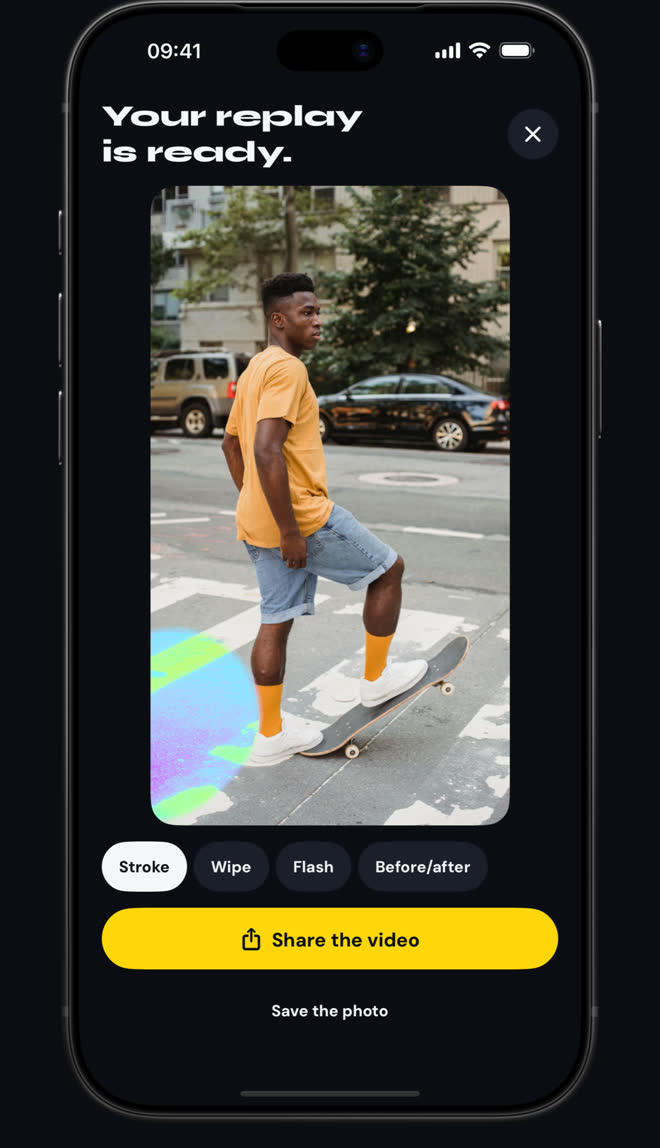
Your brushstroke on video. Ready to share.
Draw Filters replays your brushstroke as a vertical 9:16 video, ready to post. Four reveals:
Stroke Wipe Flash Before/after The video is silent, so you add your own sound in the app you post with.
Your photos stay with you.
Detection and AI styles run on your device. Your photos are never sent to a server.
Video and photo without a watermark Full resolution and HD replay All effects and AI styles Every text style Blur, pixels, black bar, neon and glitch are always free. You can also use Pro effects without paying: the photo then saves at a lower resolution with a watermark. Free videos carry a watermark.